
Getting started
AgentTools has two parts that share one account:
- the Android app, which receives the stats you share from Ingress and saves them, and
- the website agent-tools.elkuku.dev, where you see the same stats, medals, timeline and banners in the browser.
You sign in to both with your Google account.
Install the app
- Download the APK from the latest release on your Android phone (Android 8.0 or newer).
- Open it and allow installing apps from your browser or file manager when Android asks.
There is also a dev build with the latest changes, "AgentTools Dev", which installs next to the release app: see Downloads.
Sign in
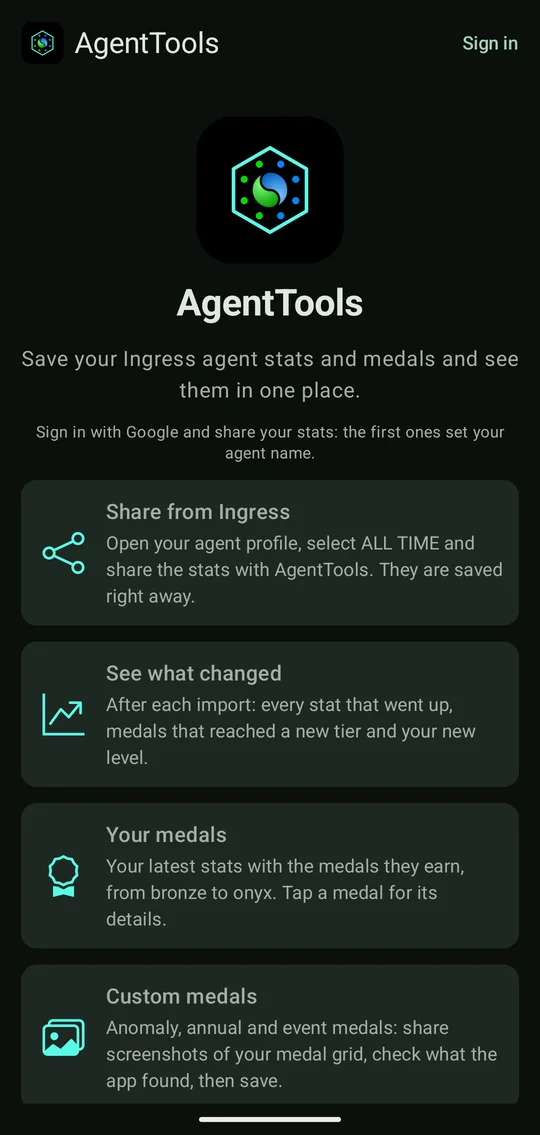
- Open AgentTools and tap Sign in at the top, then pick your Google account.
- Your account is registered right away; you can upload stats at once.
- The first stats you share set your agent name. From then on only stats of this agent can be saved to your account, and an agent name another account already has is refused.
- Choose what other users see of your profile. Everything is private until you choose: the app asks you after signing in, and the website takes you to your profile. See Privacy.
The landing page and the settings have a language switch: English, German and Spanish. Medal, stat and faction names stay in English, as in Ingress.
Save your first stats
- In Ingress, open your agent profile, select ALL TIME and tap the share button.
- Choose AgentTools. The stats are saved right away, and the app shows what changed since your last upload.
Then read on:
- The Android app: everything the app does, screen by screen.
- The website: the same on the web, plus importing older stats.